KOONSULTANCY · A ROGUELIKE DECKBUILDER ABOUT ERP CONSULTANCY
Bill the hours.
Outrun the scope.
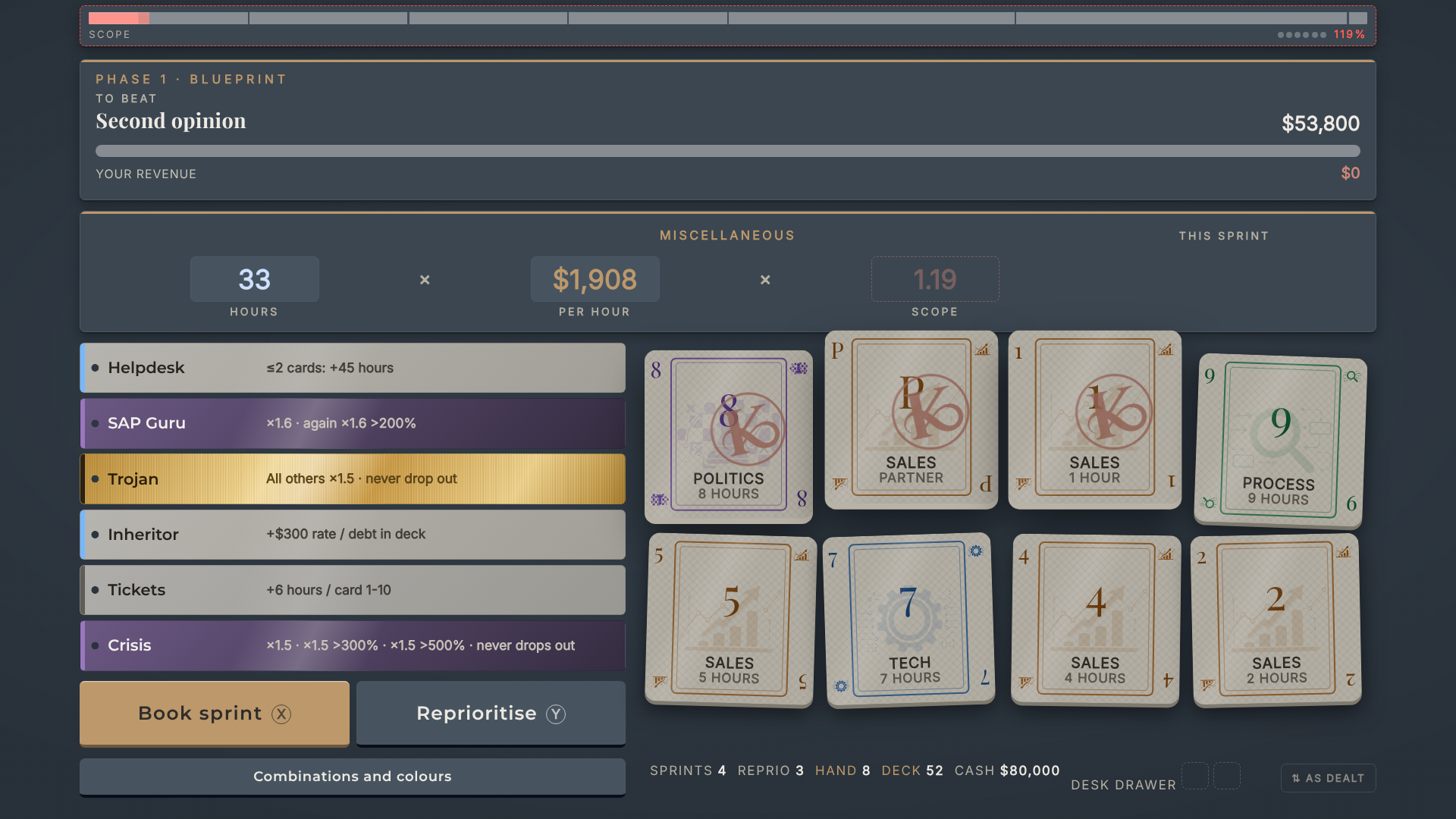
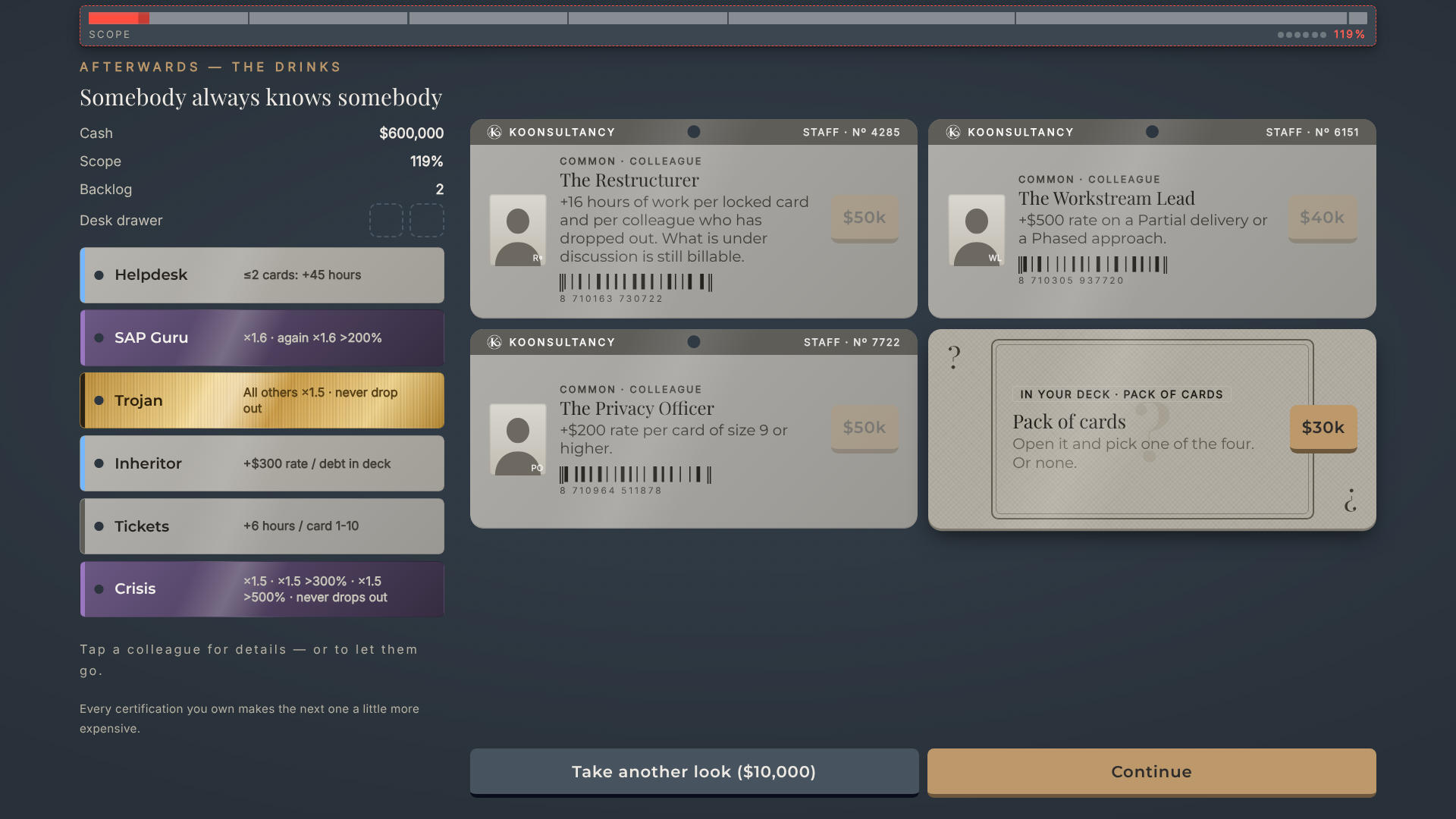
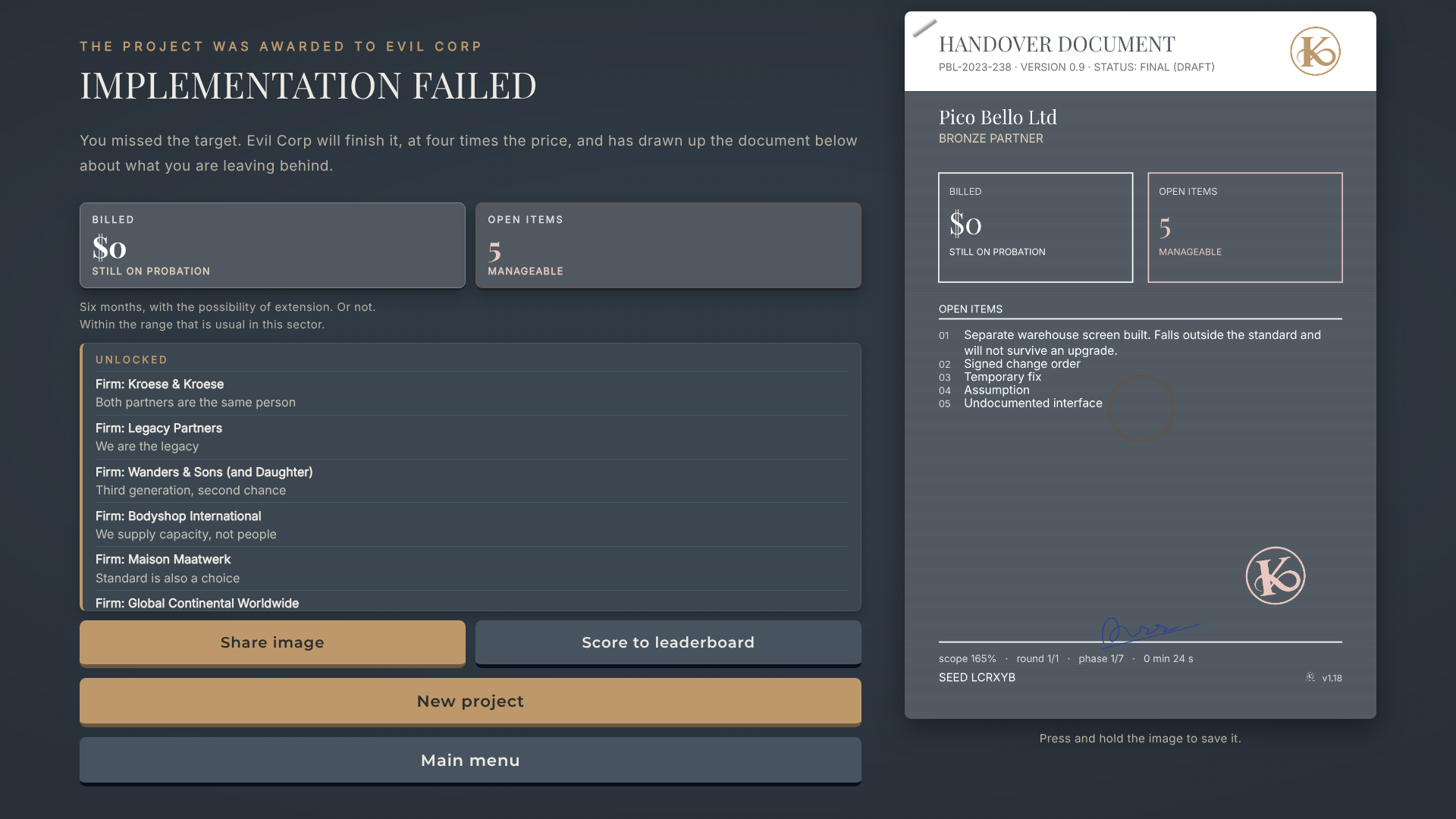
Your timesheet is a poker hand. Play combinations, hire colleagues who make every sprint better and burn out doing it, and stay ahead of a scope that only ever grows. A roguelike deckbuilder about the life of an ERP consultant — free, straight in your browser.
In your browser · no account · no download · also on itch.io
01 / HOW IT PLAYS
Three things you learn in the first five minutes.
DAILY CHALLENGE ·
The same engagement for everyone.
Who bills the most?
One seed, one firm, every day, for every player at once. You'll find it on the game's title screen.
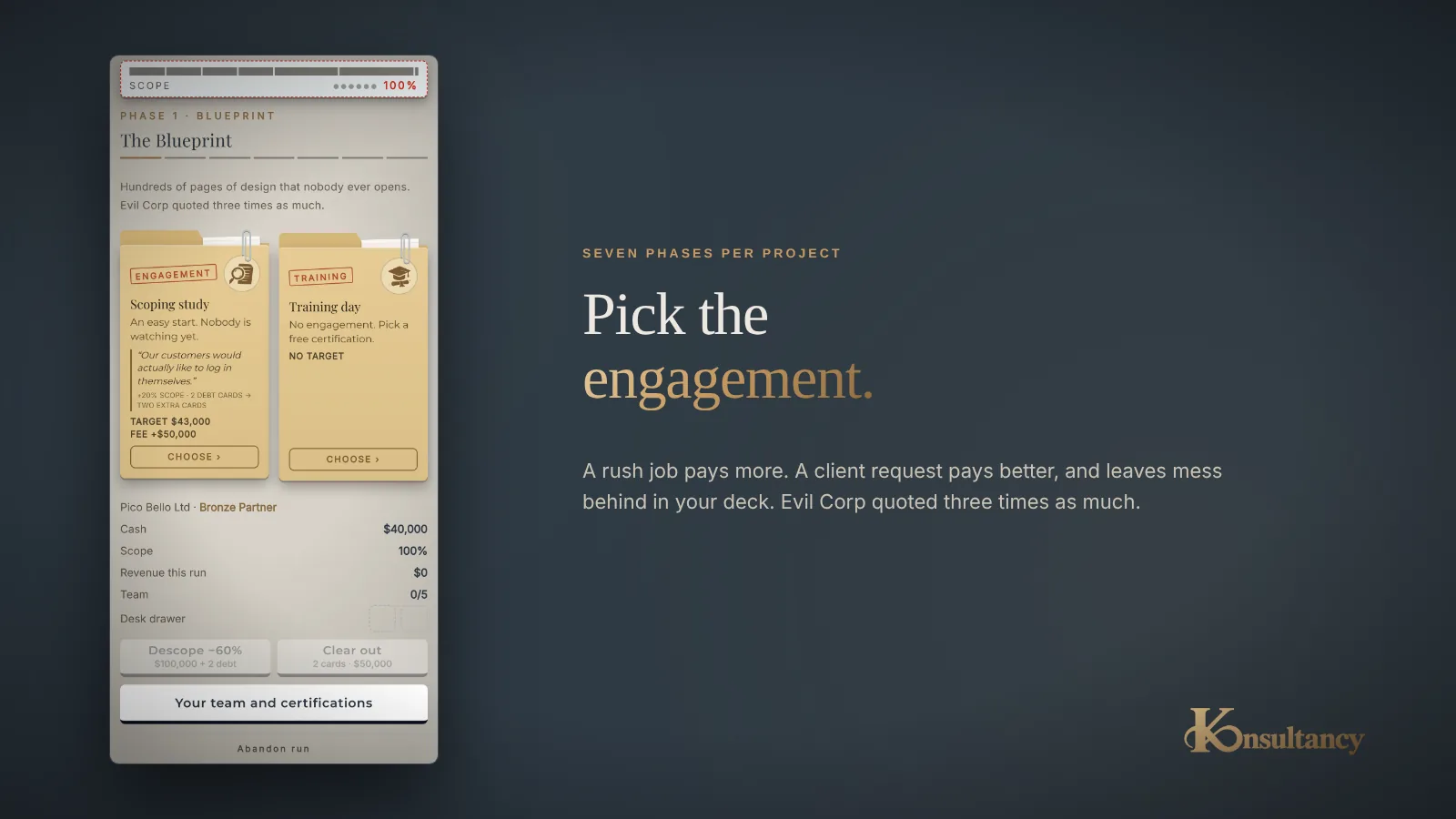
02 / IN THE FLESH
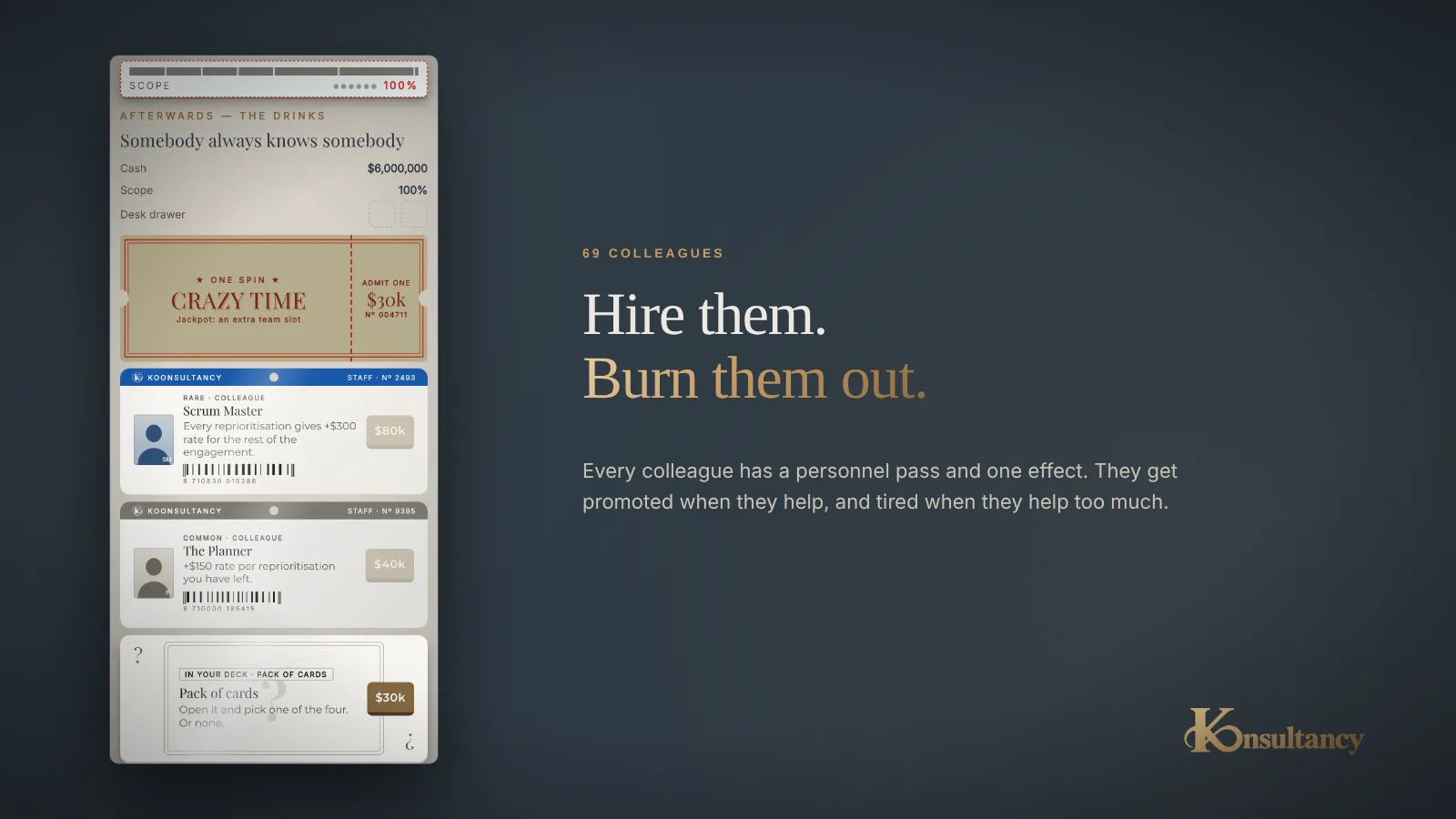
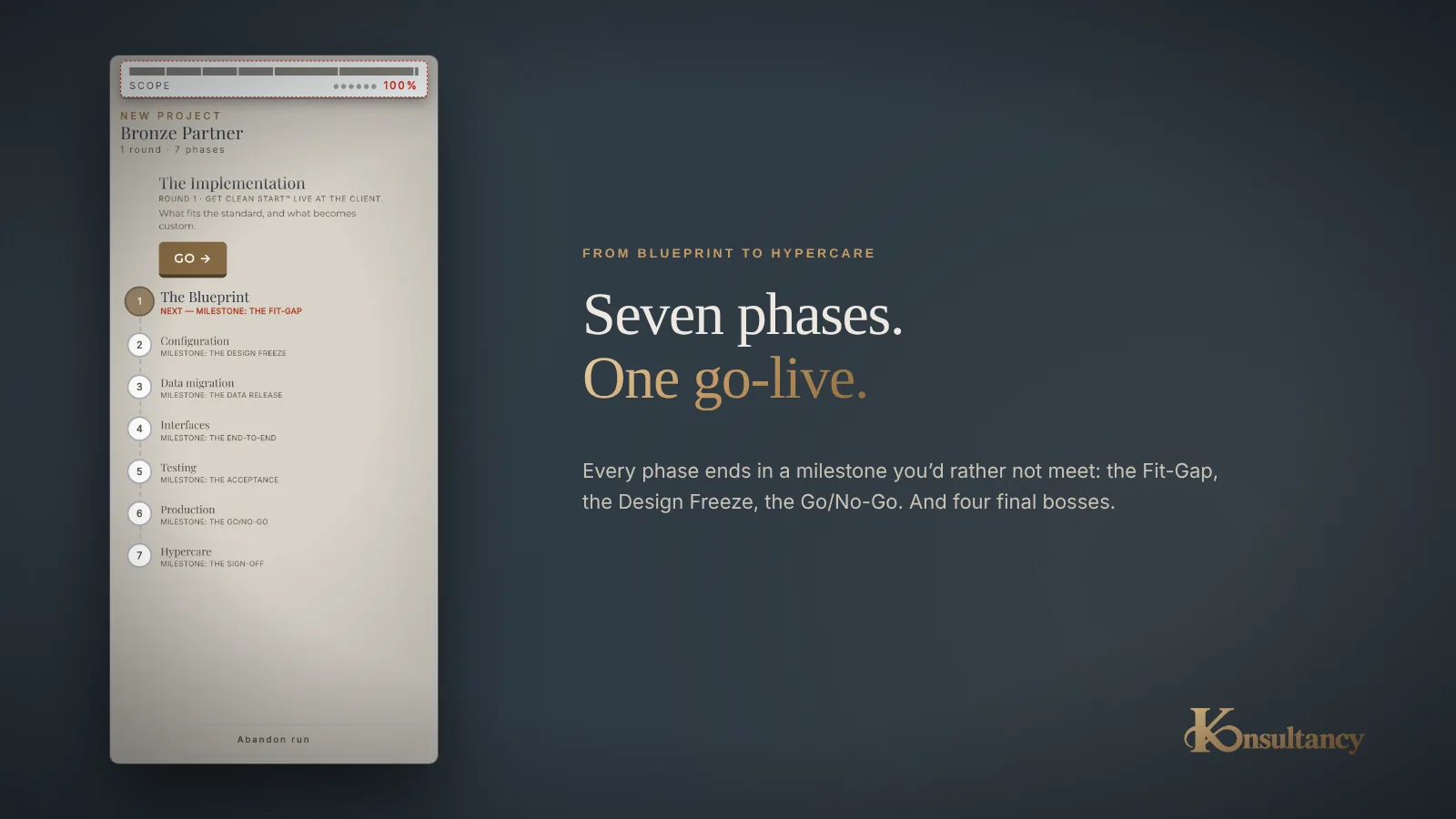
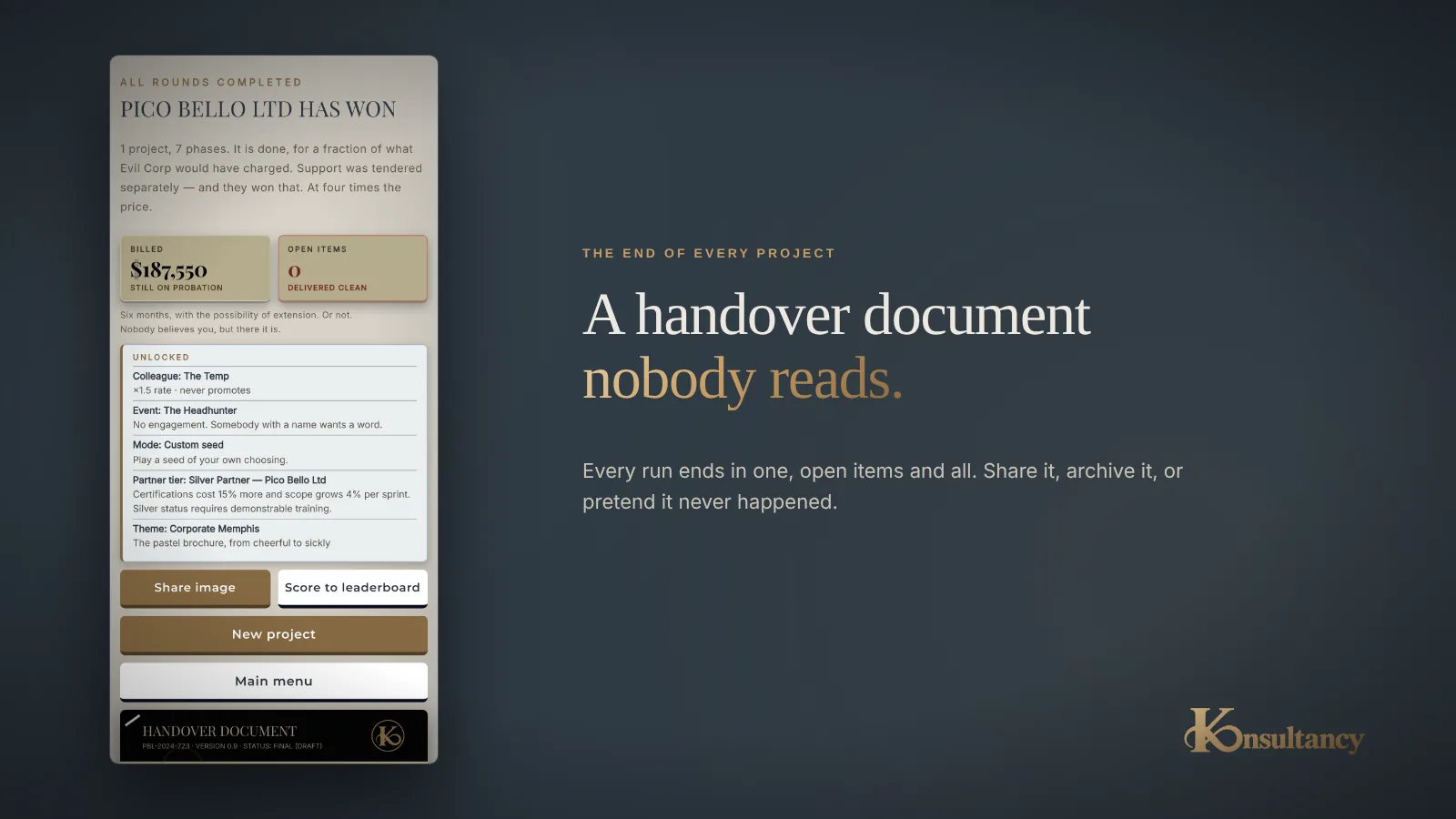
Here's what it looks like.
Straight from the browser version.

OUT NOW
Play it now, free.
Koonsultancy is a free card game about the life of an ERP consultant, playable straight in your browser. Build your team, work through the seven phases, and try to stay ahead of scope — Evil Corp doesn't wait.
On your phone you can add it to your home screen: in Safari via Share → Add to Home Screen, in Chrome via Install.